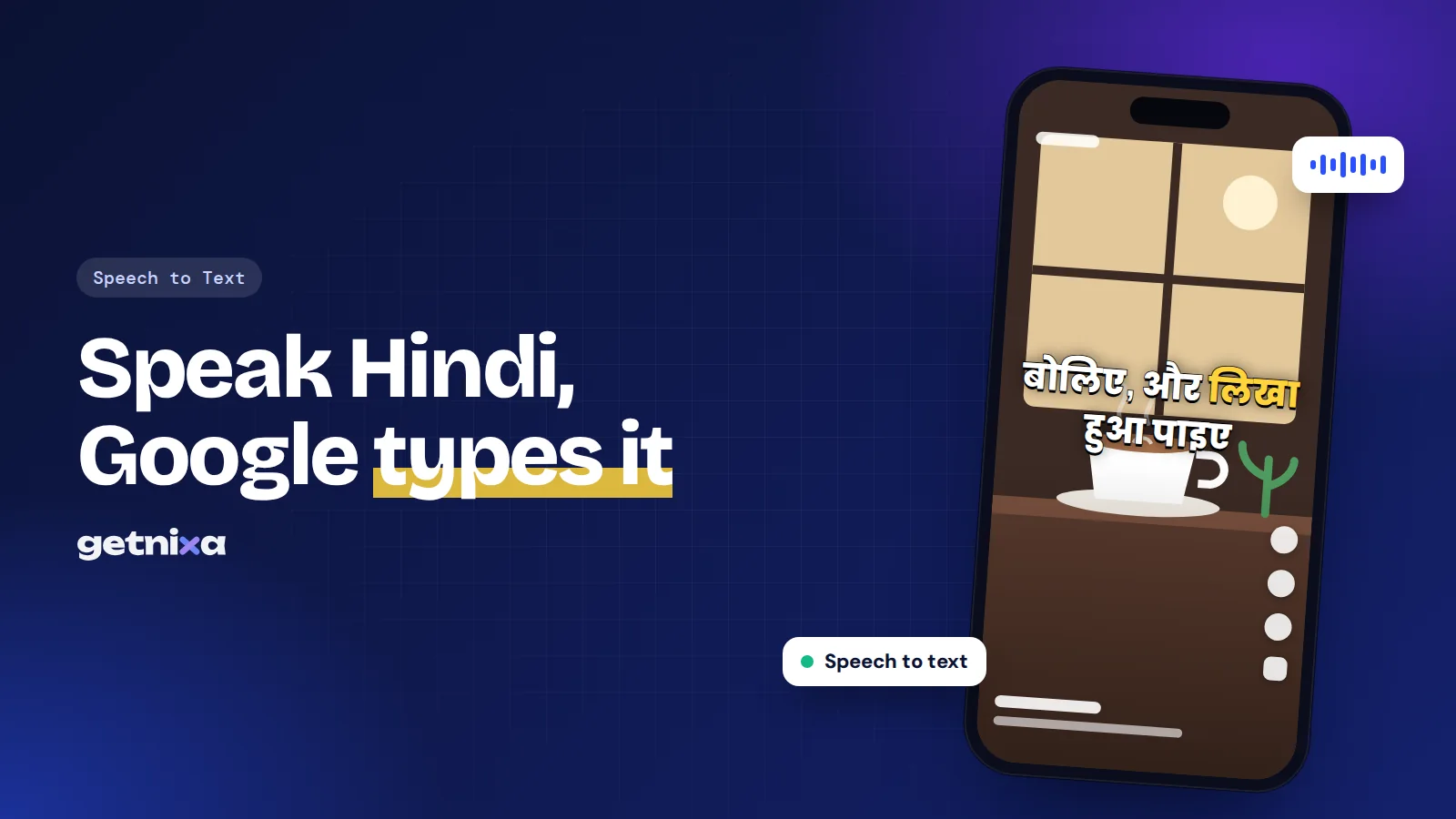
Google Voice Hindi Typing: Setup on Android, iPhone and PC
Set up Google voice Hindi typing on Android, iPhone and PC in minutes, choose Devanagari or Hinglish output, and fix the most common errors.
 GetNixa Team · 11 Nov 2026
Captions, editing, hooks and growth playbooks for Indian creators. Practical, tested, and written in plain words.
Set up Google voice Hindi typing on Android, iPhone and PC in minutes, choose Devanagari or Hinglish output, and fix the most common errors.
GetNixa Team · 11 Nov 2026Find the right subtitle font size for Reels, Shorts and YouTube: a px cheat sheet, safe zone tips, Hindi sizing advice and a 2-minute phone test.
GetNixa Team · 10 Nov 2026Learn how to add a subtitle in DaVinci Resolve: type them, import an SRT, or auto-create in Studio. Plus the timecode fix and export settings.
GetNixa Team · 9 Nov 2026Learn how to get a transcript of a YouTube video on desktop and mobile, copy it without timestamps, and what to do when a video has no captions at all.
GetNixa Team · 8 Nov 2026Learn how to add auto captions in CapCut on mobile, desktop and web, fix wrong Hindi or Hinglish words, export SRT, and what to use in India.
GetNixa Team · 7 Nov 2026Hinglish captions made simple: when to use them over Hindi or English, spelling rules that read fast, and three ways to add them to Reels and Shorts.
GetNixa Team · 6 Nov 2026How to translate a YouTube video to English with Auto-translate, Chrome Live Translate or your own English SRT, even when the video has no captions.
GetNixa Team · 5 Nov 2026Open caption vs closed caption explained: what each is, a full comparison, and which one your Reels, Shorts, WhatsApp and YouTube videos need.
GetNixa Team · 4 Nov 2026Learn how to add subtitles in Premiere Pro with Speech to Text, SRT import or manual typing, then export burned-in text or a sidecar file.
GetNixa Team · 3 Nov 2026Speech to text in Hindi made simple: free Gboard and Google Docs steps, why Hinglish breaks most tools, and how to get clean Devanagari or Roman captions.
GetNixa Team · 2 Nov 2026Hindi, Hinglish, Tamil, Bengali and 20 more Indian languages. Styled like a pro editor. Ready in seconds.
Caption your next reel in under a minute.
Upload a reel, GetNixa writes every word in your language, and you export a video that's ready to post.